Monitor Cron Job Logs
Applies to: System Administrators, DevOps
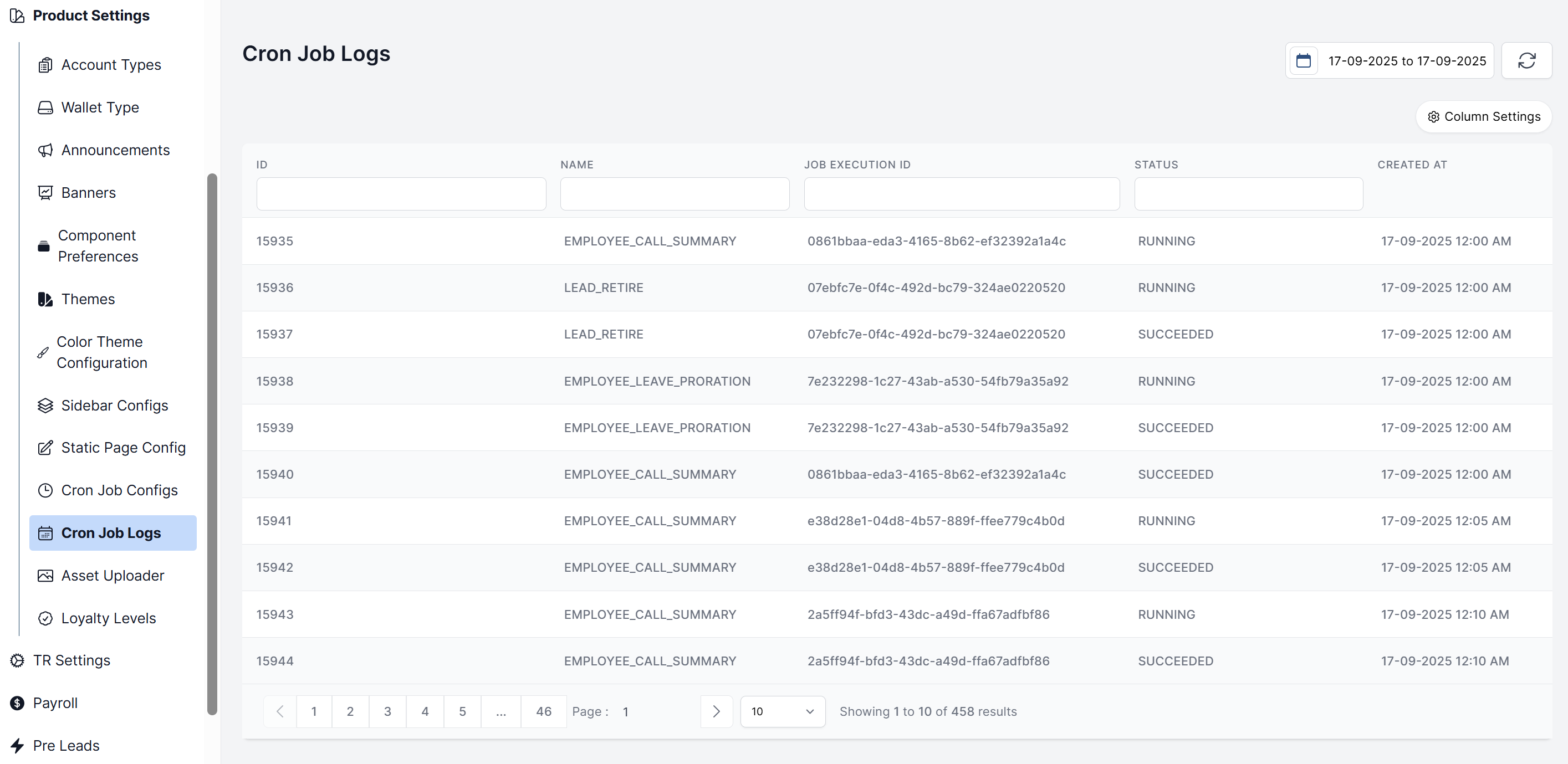
The Cron Job Logs provide a detailed history of every execution attempt for your scheduled tasks, which is essential for debugging and ensuring system health.
Accessing the Logs
- Navigate to Product Settings > Cron Job Logs.
- You are presented with a filterable table of all log entries.
Understanding the Log Entries
Each log entry contains crucial information:
- Name: The task that ran.
- Job Execution ID: A unique identifier assigned to track and reference specific job runs.
- Status:
SucceededorRunning. - Created At: When the execution began.
Using Filters
Use the filters to quickly find what you need:
- Date Range: Find logs from a specific period.
- Status: Filter to see only
Failedjobs for troubleshooting. - Name: View the history of a specific cron job.