Manage Deposit Types
Applies to: Administrators
Deposit Types are broad categories that group individual Deposit Methods. They help organize the deposit options presented to customers.
View and Edit Deposit Types
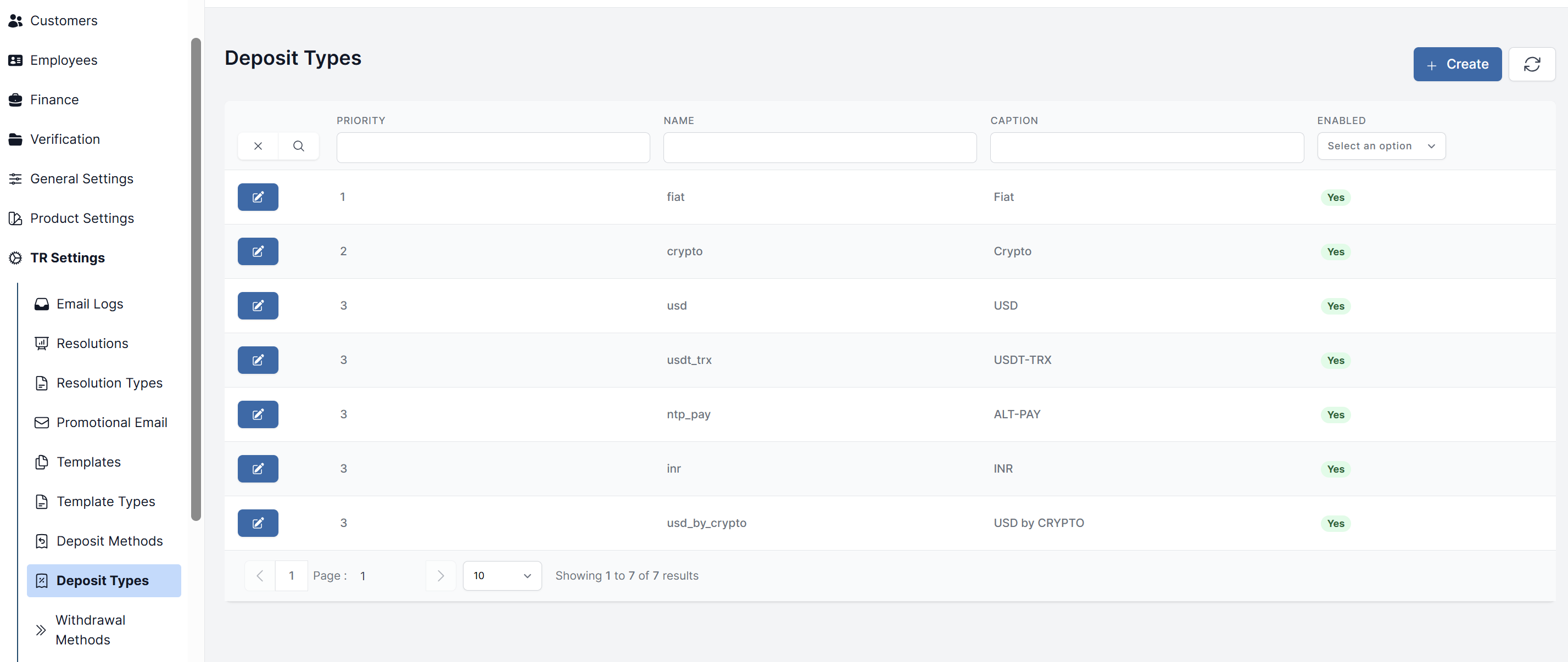
- Navigate to TR Settings > Deposit Types.
- You will see a list of all existing deposit types.
- To edit one, click on it. You can update its name, caption, and other settings.
Create a Deposit Type
- Navigate to TR Settings > Deposit Types.
- Click the Create button.
- Enter a clear, categorical name.
- Click Submit.
How Deposit Types Are Used
When you create a Deposit Method, you will assign it to one of these types.