Manage Currencies
Applies to: Administrators
Currencies are the foundation of all financial operations in the Traders Room. This guide shows how to manage them.
Viewing and Editing Currencies
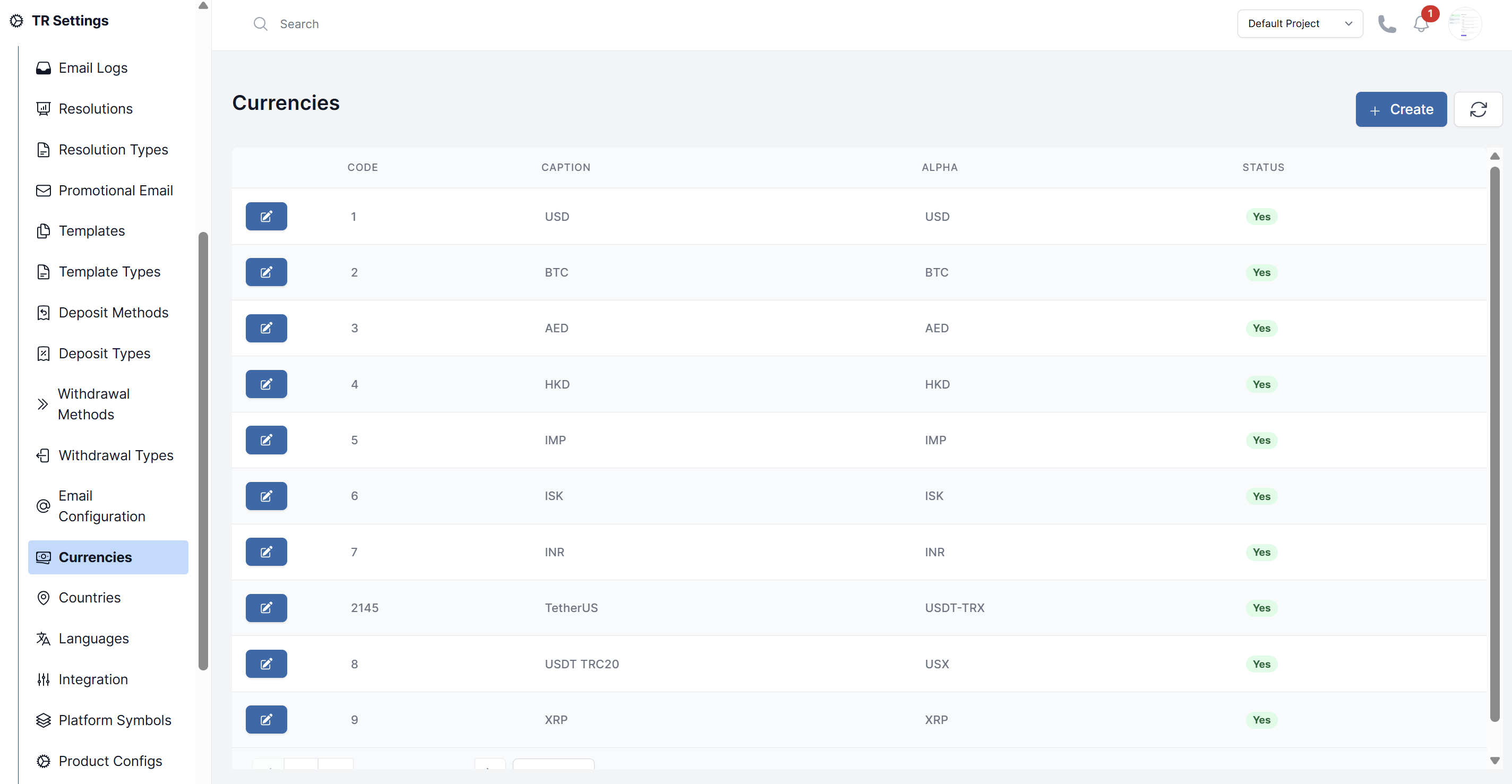
- Navigate to TR Settings > Currencies.
- You will see a table listing all configured currencies (e.g., USD, EUR, BTC, ETH).
- The table typically shows the currency Code, Caption, Alpha, and Status.
- To edit a currencies click on action button and change the fields.
Adding a New Currency
- On the Currencies page, click Create.
- Fill in the details:
- Code: The unique identifier/primary key for the currency record in the system
- Caption: The display name or full description of the currency that users will see
- Alpha: Appears to be the standard currency abbreviation used for processing (USD, BTC, AED, HKD, IMP)
- Is Enabled: Indicates whether the currency is currently active and available for use in the system
- Click Submit.