Manage Template Types
Applies to: Administrators
Template Types are categories that organize your email templates by their purpose and function within the system.
Understanding Template Types
Common template types include:
Verification: KYC approval/rejection emailsFinancial: Deposit/withdrawal notificationsSecurity: Password reset, login alertsMarketing: Promotional communicationsSystem: Automated system notifications
Creating a Template Type
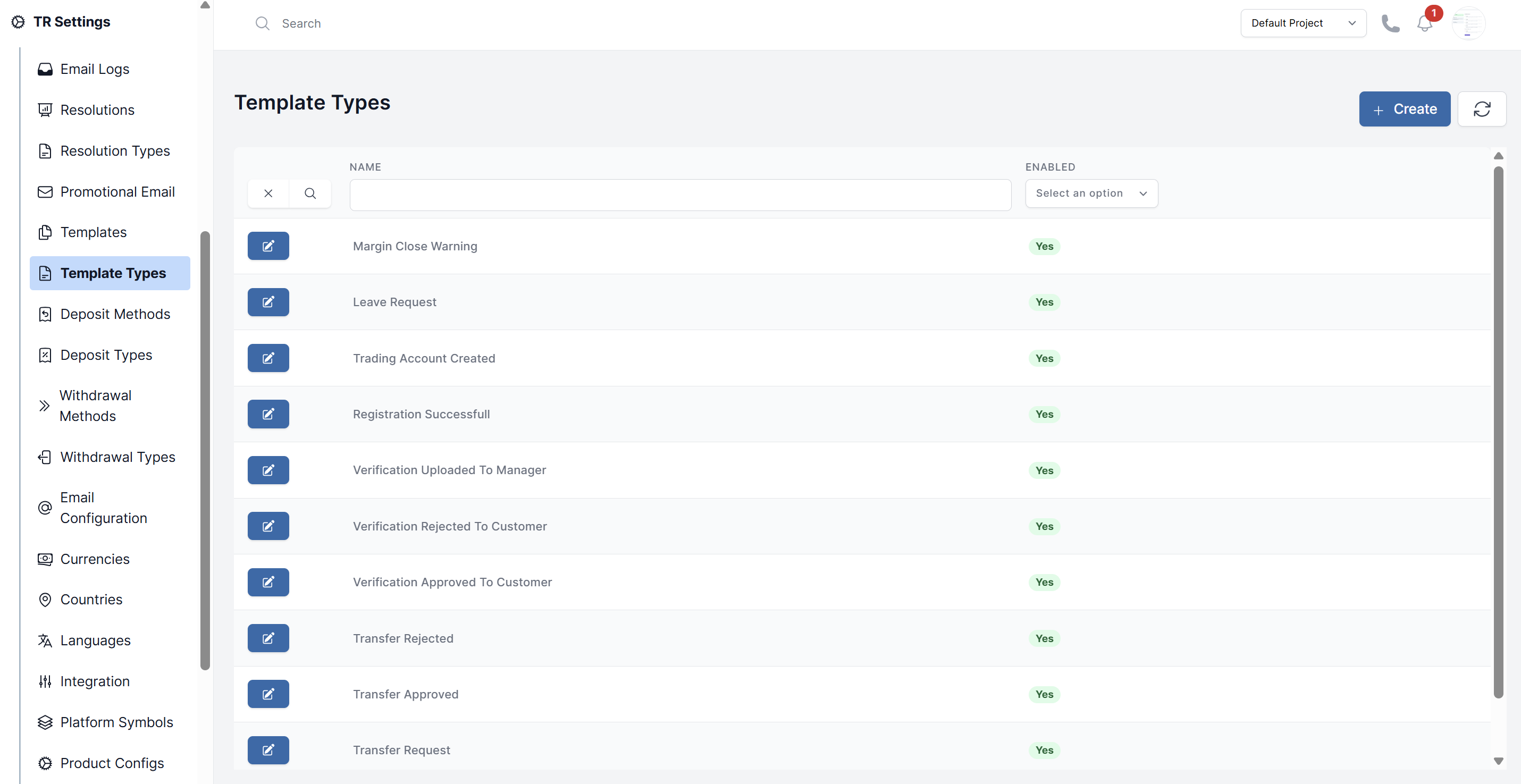
- Navigate to TR Settings > Template Types
- Click Create
- Fill in the details:
- Name: Descriptive category name (e.g., "Withdrawal Notifications")
- Enabled: Enable or Disable the template type
- Click Submit
Managing Existing Types
View all template types in the list where you can:
- Edit existing types
- See Usage Count how many templates use each type
- Cannot Delete avoid to delete
How Template Types Are Used
- When creating email templates, you assign them to a type
- The system uses types to trigger appropriate templates for specific events
- Types help organize templates in the administration interface
Best Practices
- Create types before creating templates
- Use clear, consistent naming conventions
- Avoid creating too many types - group similar purposes
- Document what each type is used for in the description