Manage System Integrations
Applies to: System Administrators, Technical Staff
The Integrations section allows you to connect and configure third-party services that extend the platform's functionality.
Types of Available Integrations
Payment Services
- Payment gateways and processors
- Crypto payment providers
- Bank integration APIs
Communication Services
- SMS providers
- Email service providers
- Voice call services
Trading & Liquidity
- Liquidity providers
- Price feed providers
- Risk management systems
Configuring an Integration
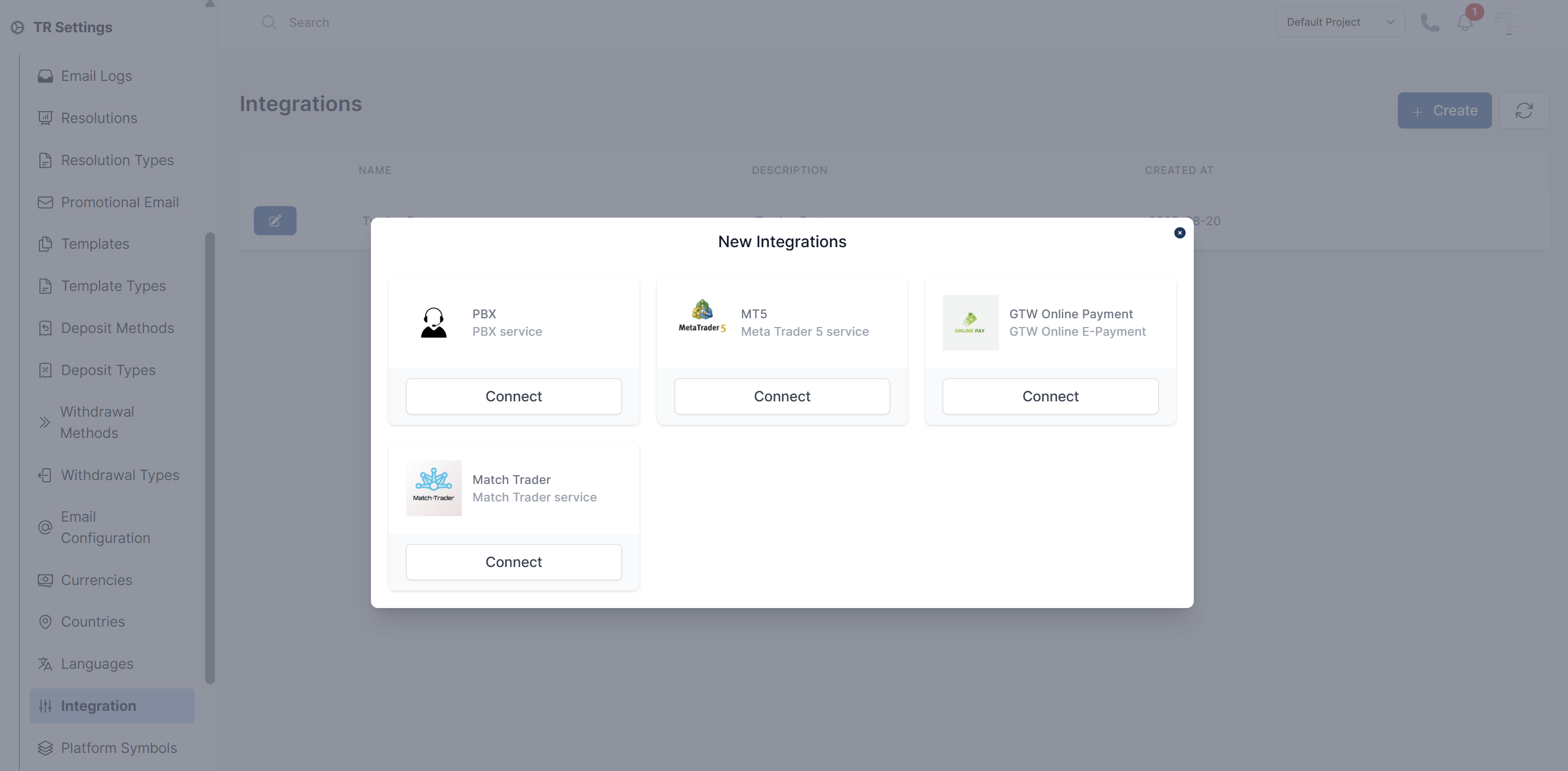
- Navigate to TR Settings > Integrations
- Browse available integration categories
- Select the service you want to configure
- Click Connect
Common Integration Issues
- ❌ Invalid API credentials
- ❌ Network connectivity problems
- ❌ API version mismatches
Security Considerations
- Rotate API keys regularly
- Use minimal required permissions
- Enable IP whitelisting where possible
- Monitor access logs for suspicious activity
- Keep integration software updated