Make Portfolio Public
As a Lead Trader, you can control whether your profile is public and discoverable by other clients.
Steps to Change Visibility
- Log into the Client Portal.
- Navigate to Copy Trading > My Master Trader Portfolios.
- Click the Edit button.
- Use the Toggle Button to switch your profile between Public and Private.
- Public: Your profile is visible in "Explore Lead Traders".
- Private: Your profile is hidden from other clients.
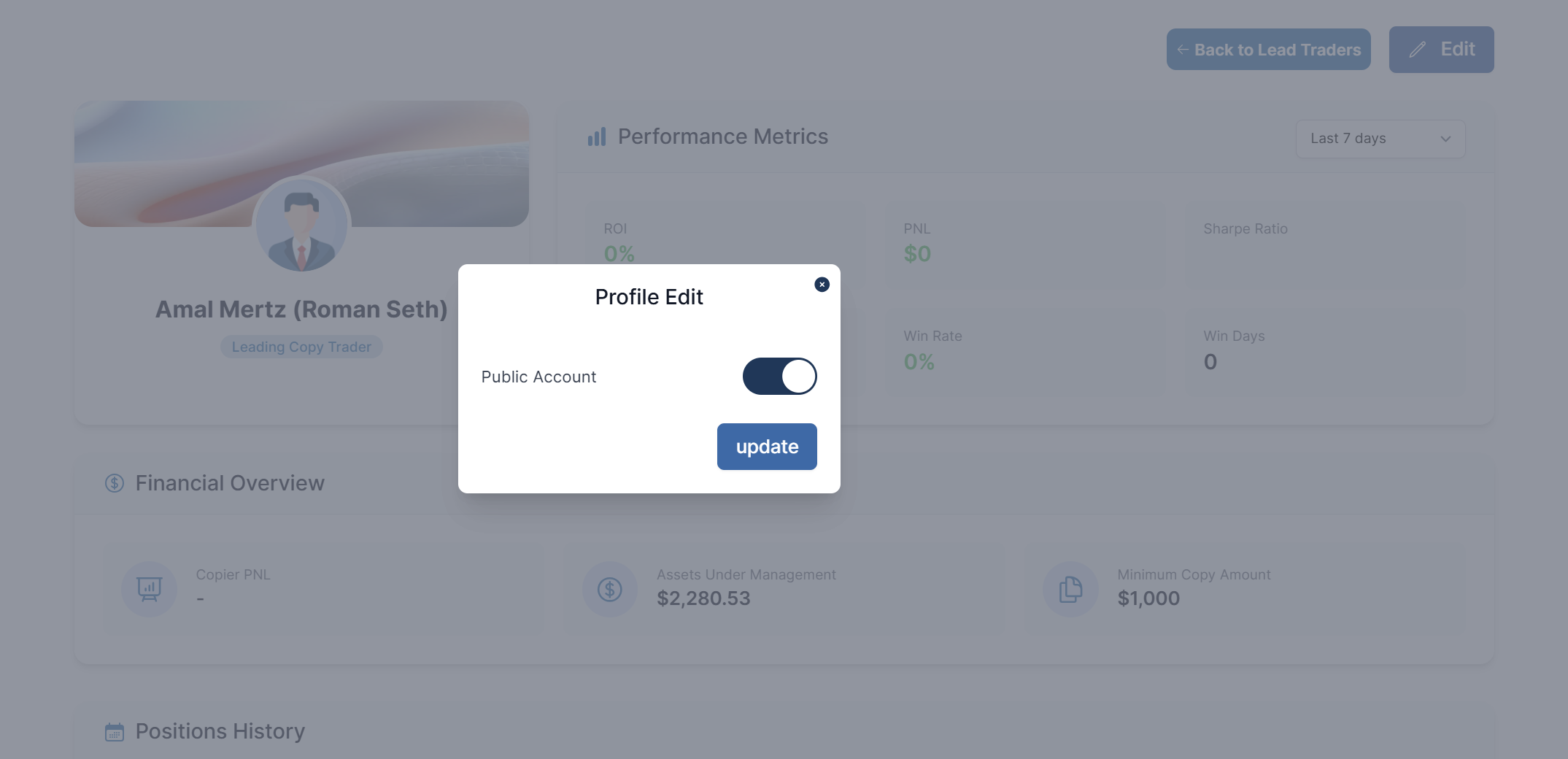
Save your changes to update your profile's visibility immediately.