View Master Trader's Followers
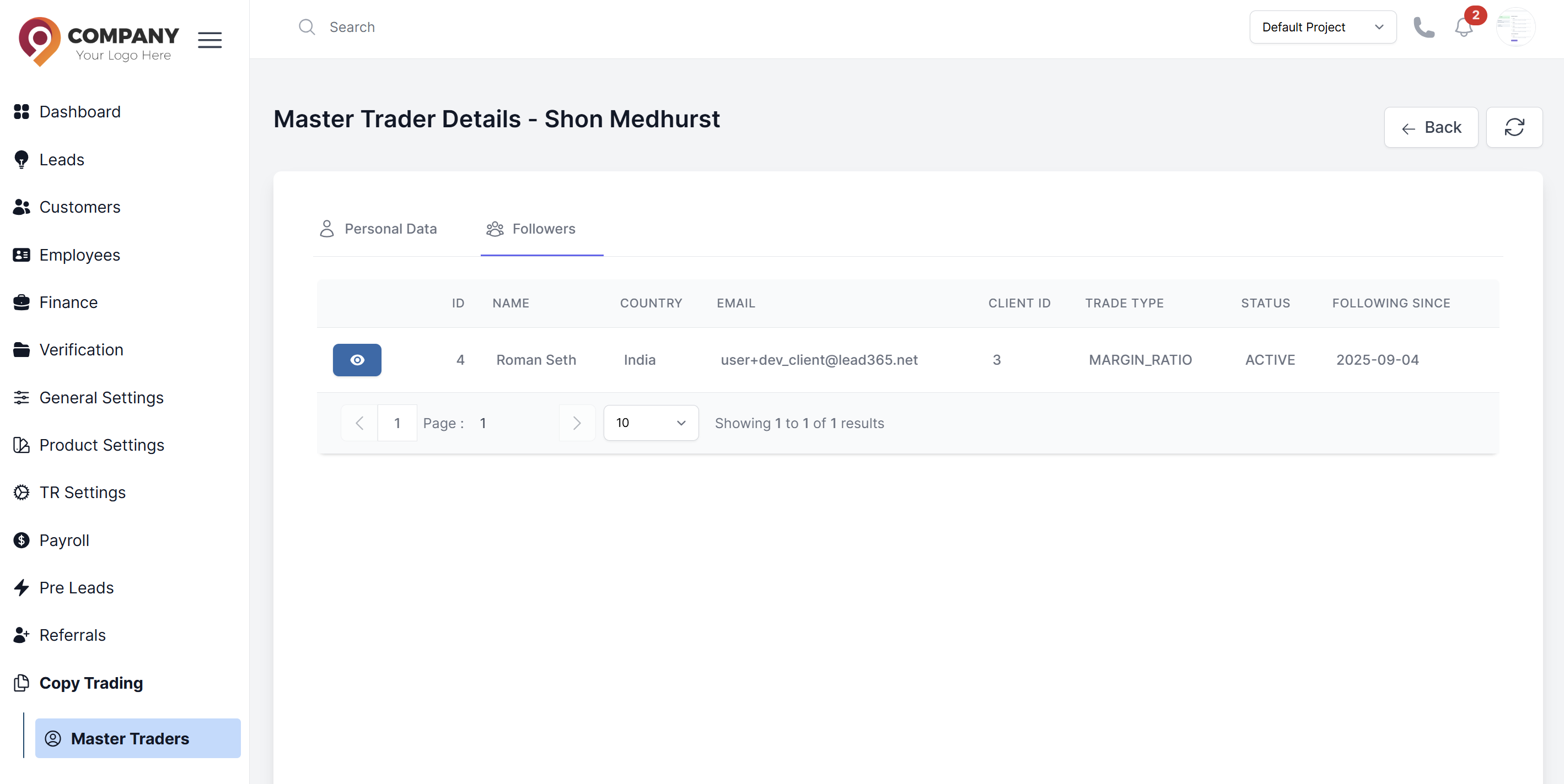
Agents can monitor the community around a successful trader by viewing their followers.
Steps to View Followers
- Navigate to CRM > Copy Trading.
- Go to the View Master Traders section.
- Select a Master Trader from the list.
- Click the action to view the Followers of the selected Master Trader.
- A list of follower accounts will be displayed, showing who is copying this trader's strategy.
Why would I need to view a Master Trader's followers?
- To monitor the scale of copying activity
- For risk management and exposure analysis
- To identify potential issues with particular copying relationships
- For customer support and relationship management