Import Performance Data
To accurately display your performance as a Lead Trader, you can import your historical trading data.
Steps to Import
- Log into the Client Portal.
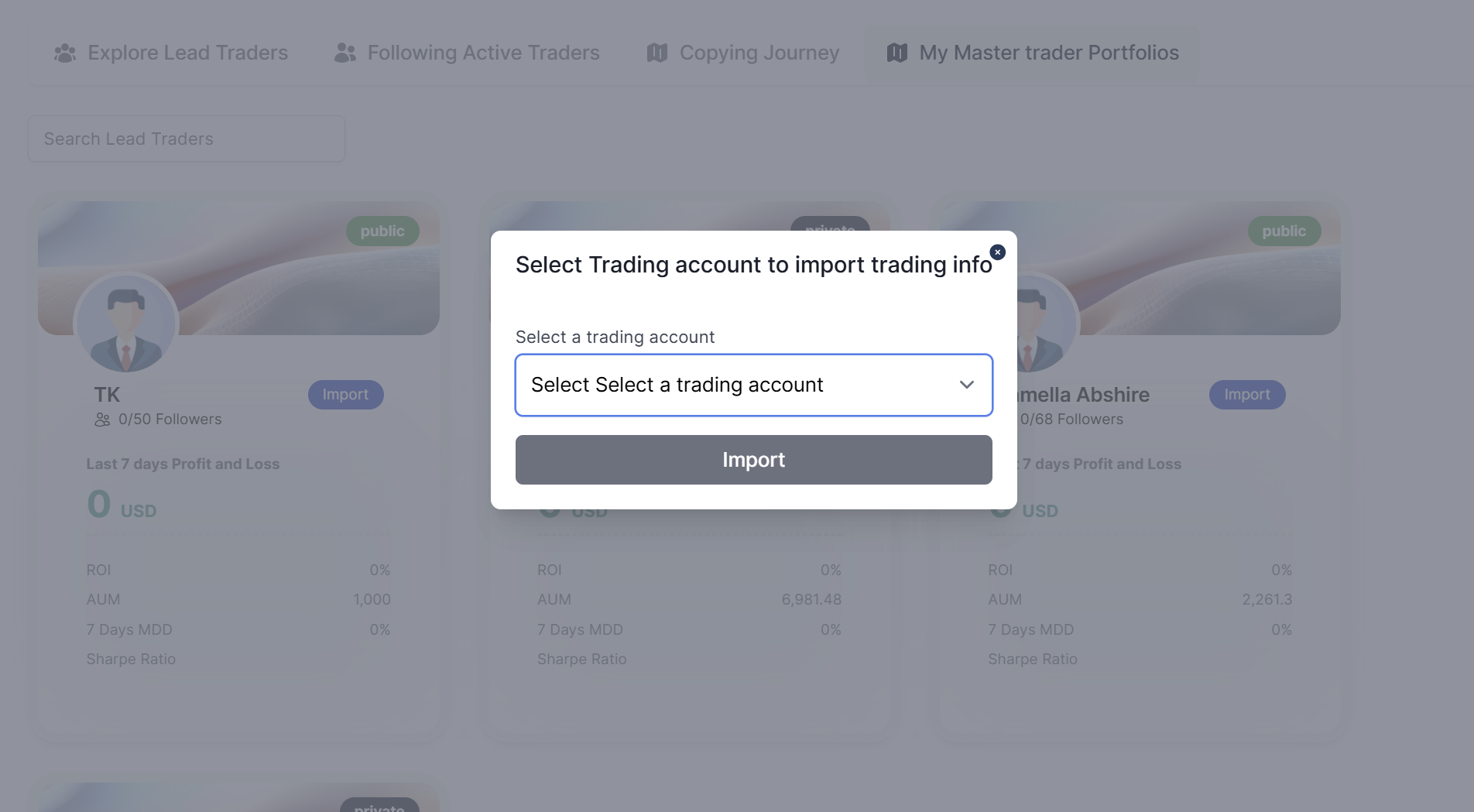
- Navigate to Copy Trading > My Master Trader Portfolios.
- Click the Import button.
- A modal titled "Select Trading account to import trading info" will appear.
- Select your desired trading account from the list to import its data.
The system will use this data to calculate and display key performance indicators (like PNL, ROI, MDD) on your public Lead Trader profile.